


Metal Prints
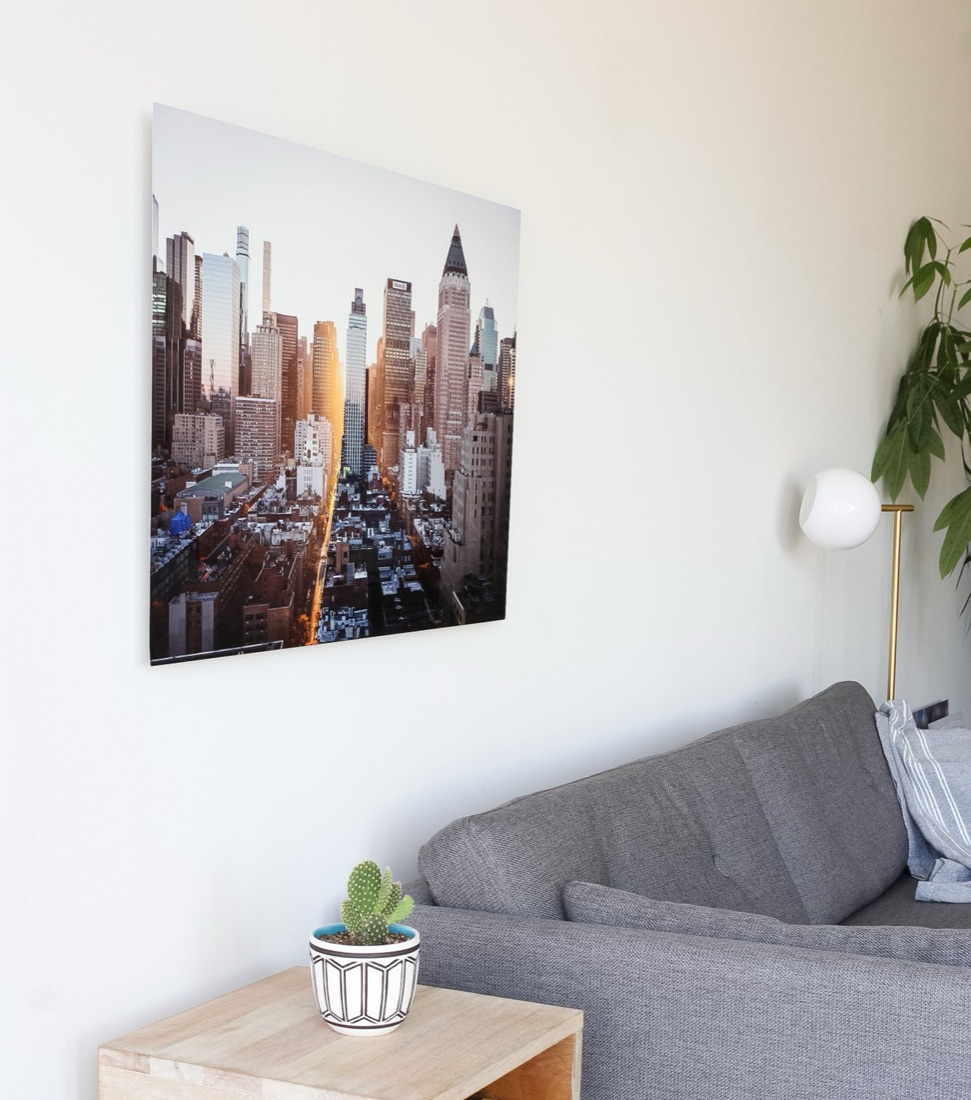
A modern touch of sophistication for your memories
A Modern Way to Display Your Memories
Benefits
Modern, lightweight, and durable
High-definition color vibrancy
Exceptional detail, color resolution, and print permanence
Glossy finish
Easy to clean
Six Sizes
8 x 10
11 x 14
12 x 18
16 x 20
16 x 24
24 x 36
Available in both portrait and landscape.
Materials
Thickness: 0.047 inch
Made of aluminum
100% recyclable
Hanging hardware included
ChromaLuxe gloss white coating for true color replication
Moisture, stain, scratch, chemical, fade, and flame resistant
Made and printed in the USA
Hanging Hardware
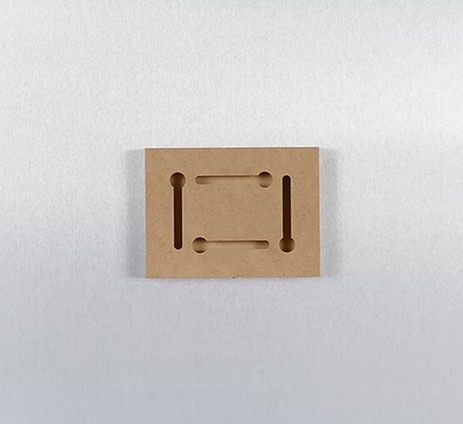
Block Mount
Our smallest metal print size arrives with a wooden mounting block attached directly to the back of the frame.
Only for our smallest metal print size:
8" x 10"
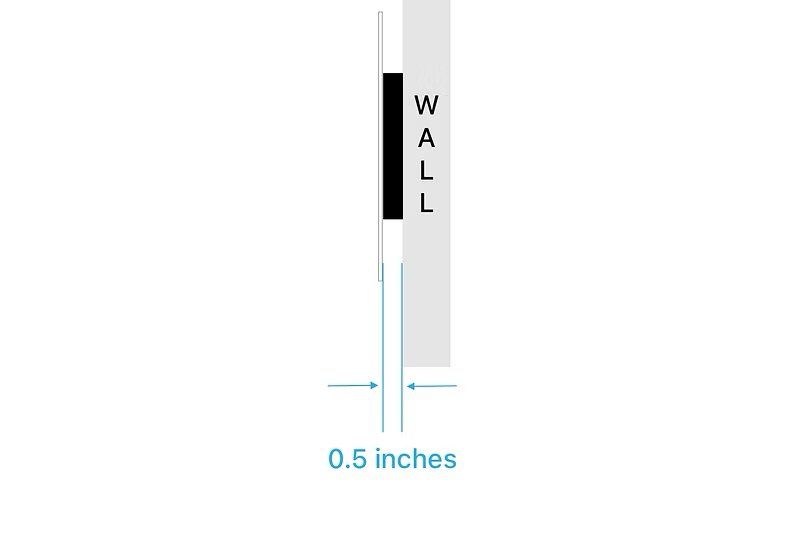
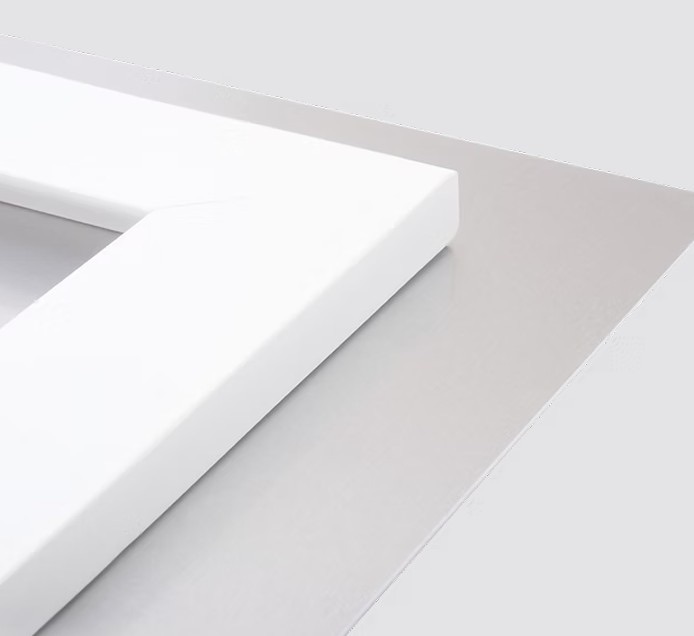
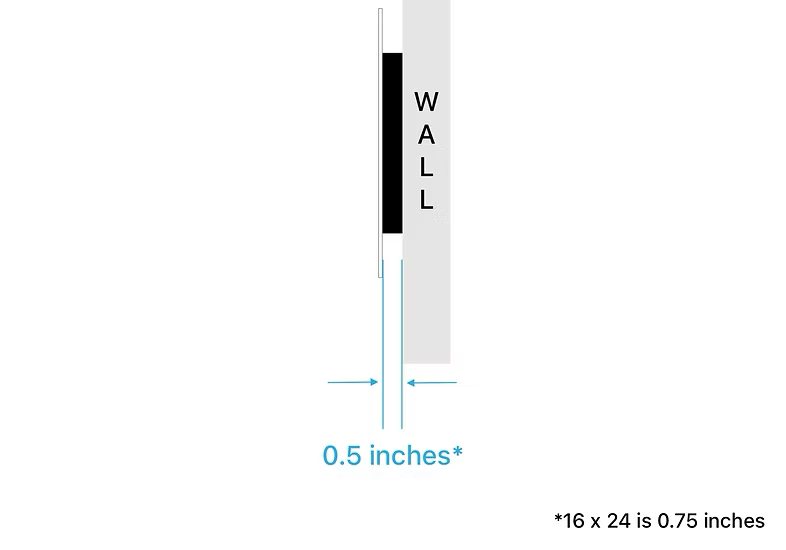
Float Mount
Just like how art is hung in a museum, this mount is recessed from the edges of the print to give the illusion that your print is floating away from the wall when hung.
For the rest of our metal print sizes:
11 x 14
12 x 18
16 x 20
16 x 24
24 x 36
Get started on your Metal Prints
Bring your photos out of the cloud and into your hands with the SimplePrints app.

How to Create a Metal Print Using the SimplePrints App
STEP ONE
Create New Project

STEP TWO
Add Photos and Edit

STEP THREE
Preview and Order
